Digital accessibility relies on providing multiple ways for users to interact with our content. Whether a student is using a screen reader or simply has a slow internet connection that won’t load images, our digital materials must remain functional.
Alt-Text (Alternative Text)
Every image uploaded to the web or social media must include a brief text description. Best practice is to keep descriptions (aka ALT text) under 125 characters. This ensures compatibility with most screen readers, which may cut off or handle longer text less efficiently. (e.g., "UTRGV student studying in the Edinburg campus library").
QR Code & Short Link Policy
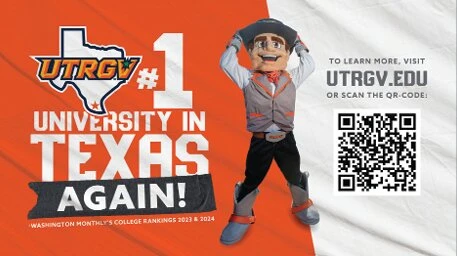
- QR codes must always be accompanied by high-contrast visual elements, alternative text, and a manual text alternative (URL, or a description of where it leads) adjacent to the code.
- A minimum contrast ratio of 4.5:1 between the QR code and its background is needed; darker colors on a white background are best. For printed materials, always print the text URL near the QR code so users can type it if they cannot scan it.
The "Decorative" Rule
Images can be divided into two types: descriptive and decorative images. Please follow the guidelines below for each image type.
Informational Photos: If the photo adds meaning (a person speaking, an award ceremony), provide a clear description.
Decorative Elements: If the image is purely for style (a border, a flourish, or a generic background texture), mark it as "decorative" in your software settings. This tells the screen reader to skip it, keeping the user focused on the important content.