 rotate(10)'/%3E%3Cpath d='M.038.113v.15l.15.088.15-.088v-.15L.188.025l-.15.088Z' stroke='%23c44900' stroke-width='.0375' transform='rotate(10)'/%3E%3C/svg%3E)
Sign In and Access
How to reach the portal, what you see when you arrive, and how access is granted.
Sign in
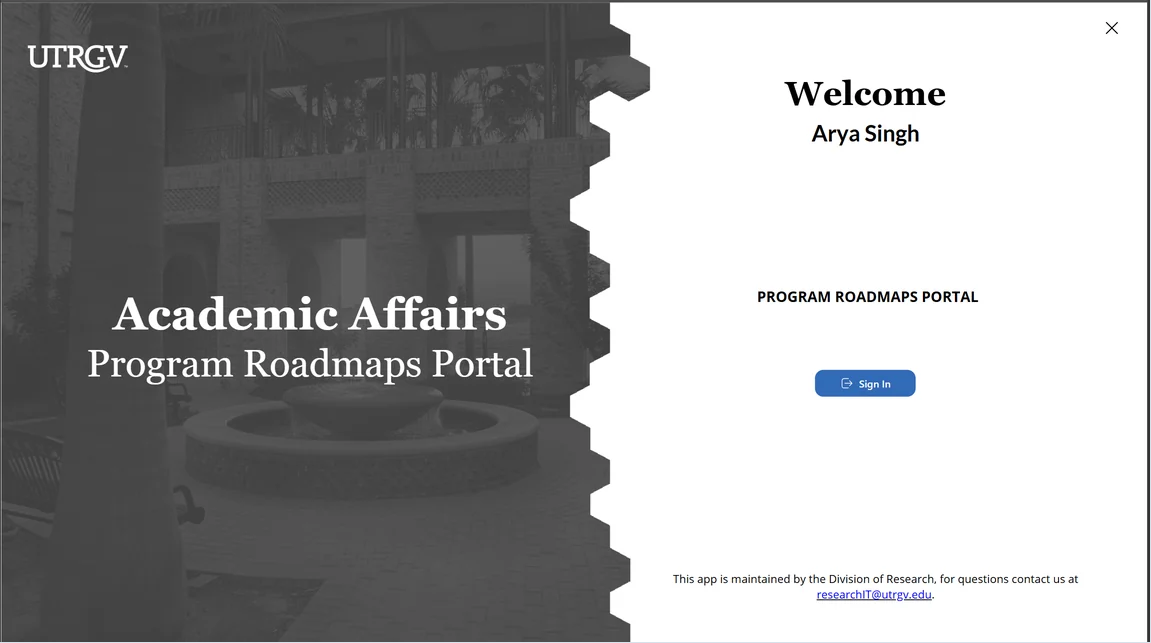
- Go to utrgv.edu/RoadmapPortal.
- Click Sign In and authenticate with your UTRGV credentials.
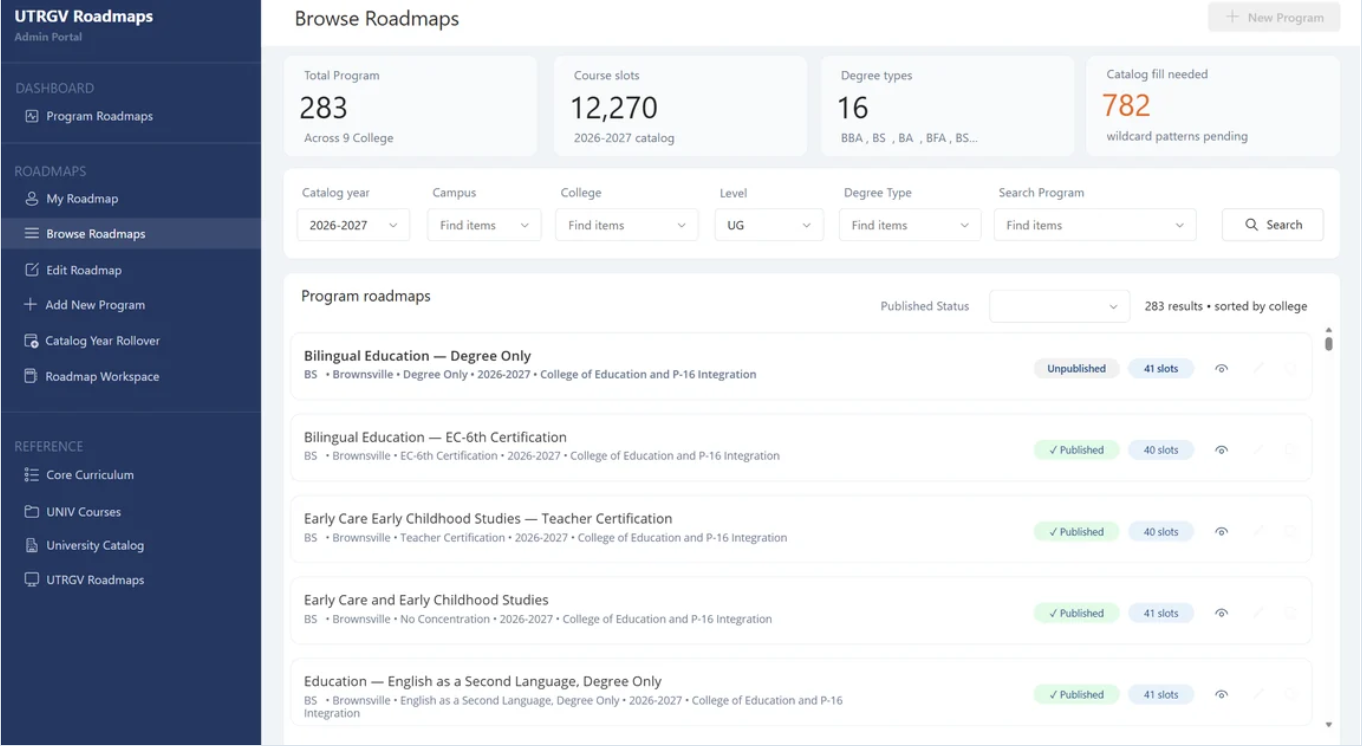
- You land on Browse Roadmaps, the portal's home screen for every role.
Getting access
Access is granted per person by a portal Manager, who also sets your role. There is nothing to request inside the portal itself.
What your role changes
Every role sees every roadmap and every reference table. Your role controls what you can change, not what you can see.
| Role | In one sentence |
|---|---|
| View Only | Can see everything and change nothing. |
| Editor | Can create and edit roadmaps and submit them for approval. |
| Manager | Everything an Editor can do, plus assigning reviewers and starting reviews. |
| Reviewer | Not granted in advance—you become a reviewer when a Manager assigns you to a submission. |
If you have view only access
If you have View Only access
Some controls appear but stay greyed out:
- Add New Roadmap and Catalog Year Rollover in the left navigation.
- The pencil and copy icons on each result row. Only the eye icon is active.
- The Make Editable toggle on an open roadmap.