
B3 Courses
Course Offerings
Keep track of your B3 Scholar courses by downloading this B3 Scholars Tracking Sheet.
How to Search B3 Courses in Assist
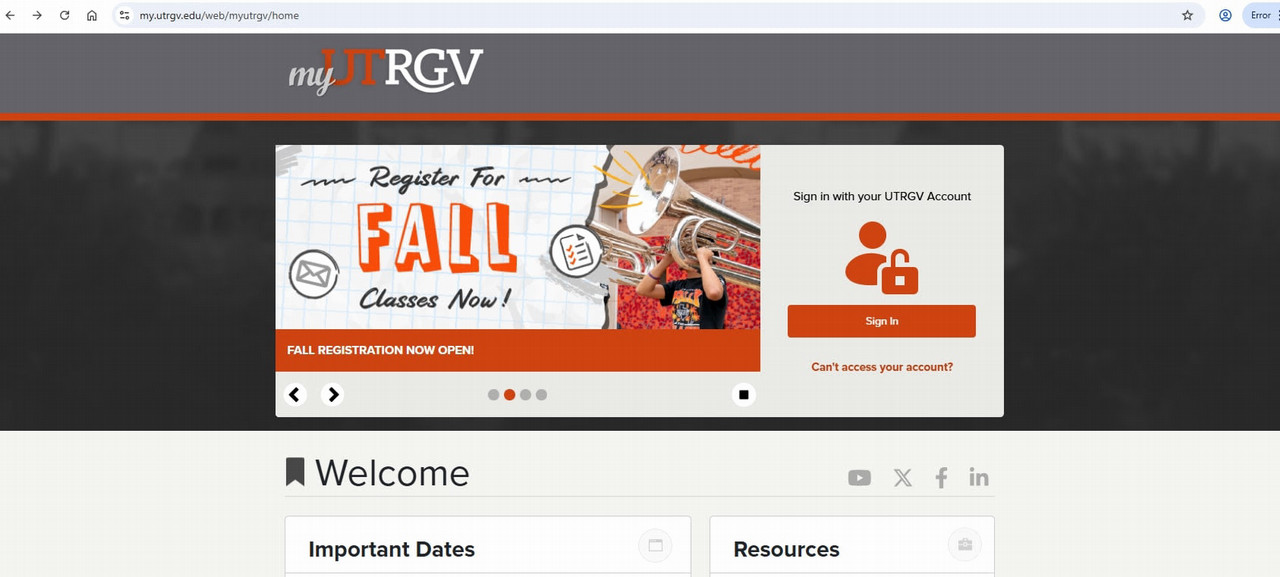
Steps to search for B3 Courses in Assist:- Log in to the my.utrgv.edu portal
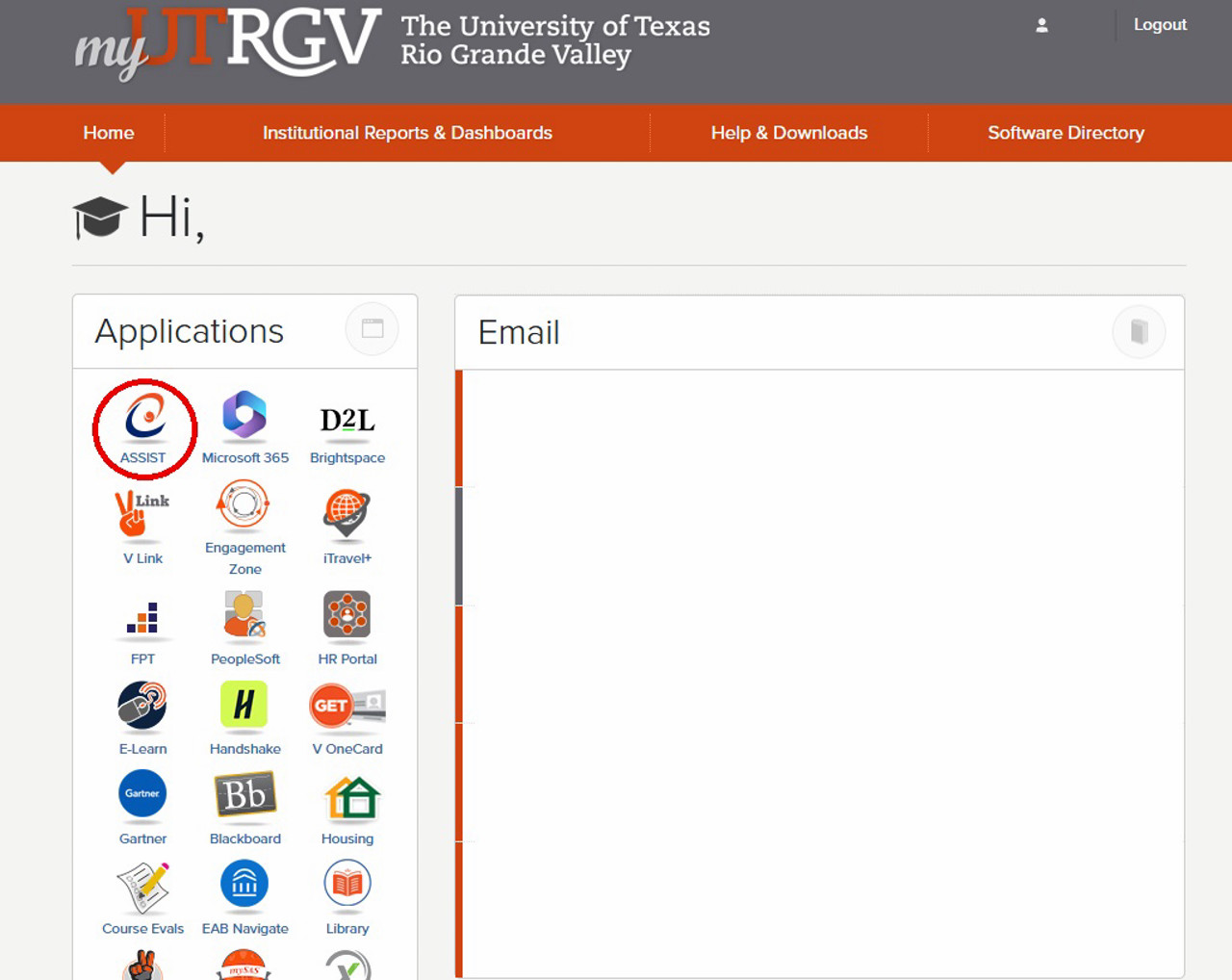
- Select the Assist icon on the Applications list
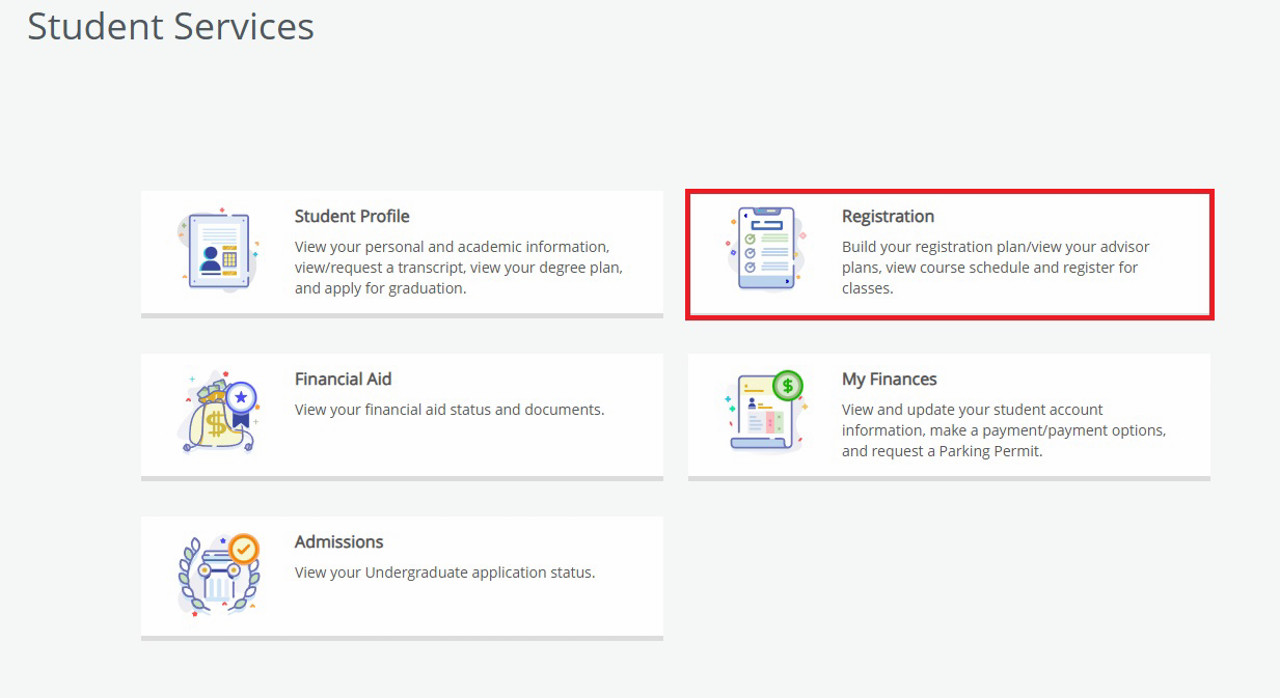
- Select "Registration"
- Select "Register/Drop Classes"
- From the drop-down list, select the semester you want to register for
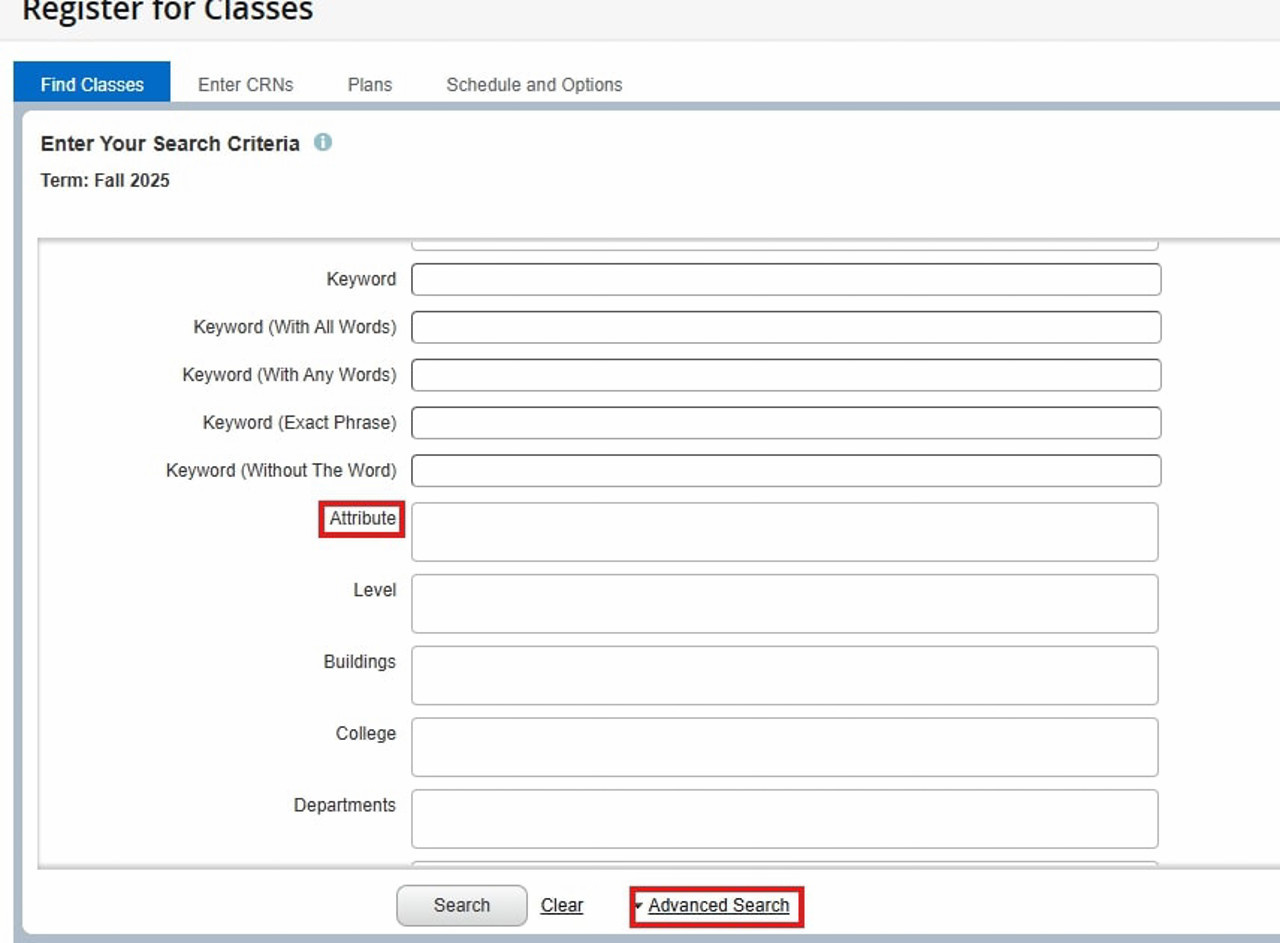
- Click on "Advanced Search"
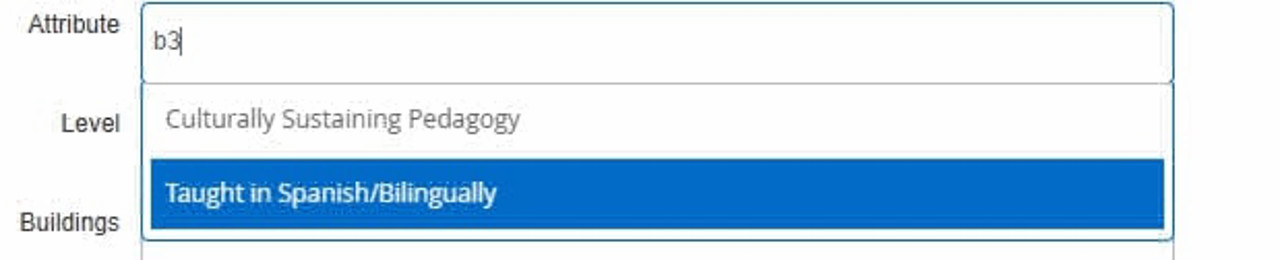
- Scroll down until you find "Attribute" and select either "Contextualized Sociolinguistic Practices", "Taught in Spanish Only", or "Taught Bilingually (Eng/Span)" depending on the course you're looking for.
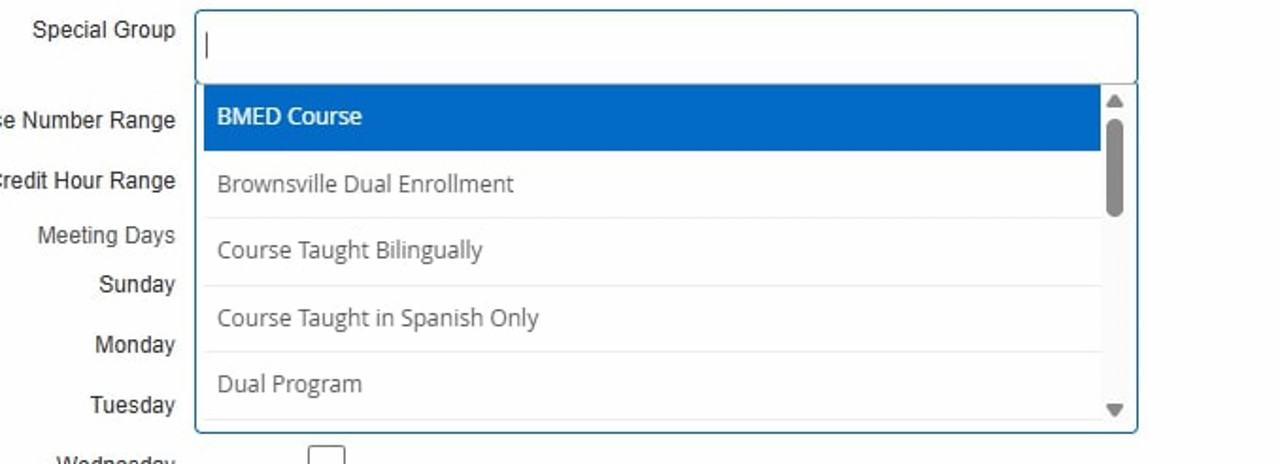
For more information on the B3 courses available for registration or questions about the B3 Scholar Seal and its requirements, please contact the Office for Bilingual Integration at b3scholar@utrgv.edu.