Training and Resources
Website and Digital Content Accessibility
Use this step by step process to review, document, and remediate accessibility issues across websites and digital content, including documents, media, and internal resources.
UTRGV Training Services Portal
The UTRGV Training Services Portal offers a centralized platform for accessing university-wide training resources. Users can browse available courses and register for instructor-led sessions. The portal also provides detailed information about each training opportunity, including session dates, times, locations, and registration options.
IT Training
UTRGV Information Technology (IT) offers technology training on various campus products and services available to UTRGV students, faculty, and staff.
-
IT Training Self-Service Knowledge Base Articles
Guides and tutorials for Microsoft 365, Adobe, Zoom, DocuSign, Power BI, and other campus tools and systems.
-
IT Training Sessions and Workshops
Hands-on, small-group sessions on IT tools and Microsoft products. These can be in-person, online, or self-paced.
-
Custom IT Training Requests
Faculty and staff can request customized training for specific IT topics not listed in the service catalog.
IT Support Center
Full List of Services
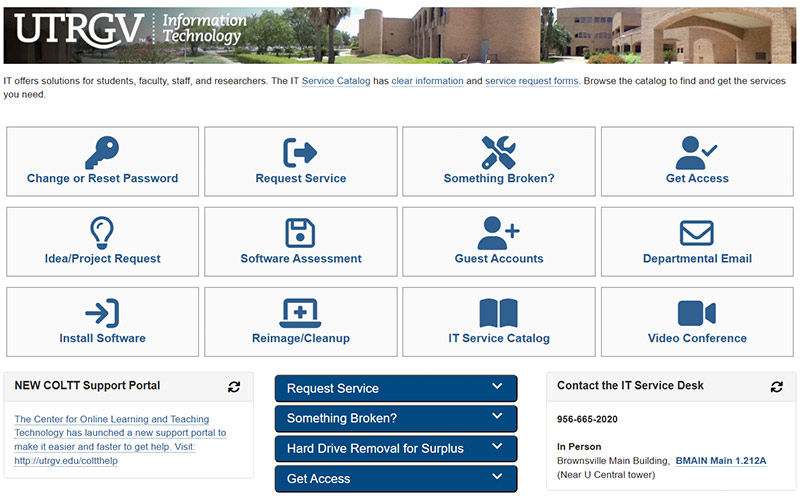
- Visit the IT Support Center to view a curated list of the most popular services in the IT Service Catalog.
Knowledge Base
The IT Knowledge Base at UTRGV is a centralized resource for Information Technology support and services. It includes articles and guides related to:
- Requesting IT support Installing software like SPSS Amos
- Setting up new devices with Windows Autopilot
- Using video conferencing monitors
Classroom Technology Equipment Inventory
Classroom Technology Equipment Inventory provides a searchable database of classroom technology equipment across all UTRGV campuses. It allows users to filter by campus, building, and room to view details such as room capacity, available technology (e.g., control panels, projectors, document cameras, interactive TVs, microphones, Zoom-enhanced setups), and 360° room views for planning and instructional needs.